Field note
How to read malware scanner alerts without panicking
A practical order of operations when your host emails you about a suspicious PHP file or injected script.
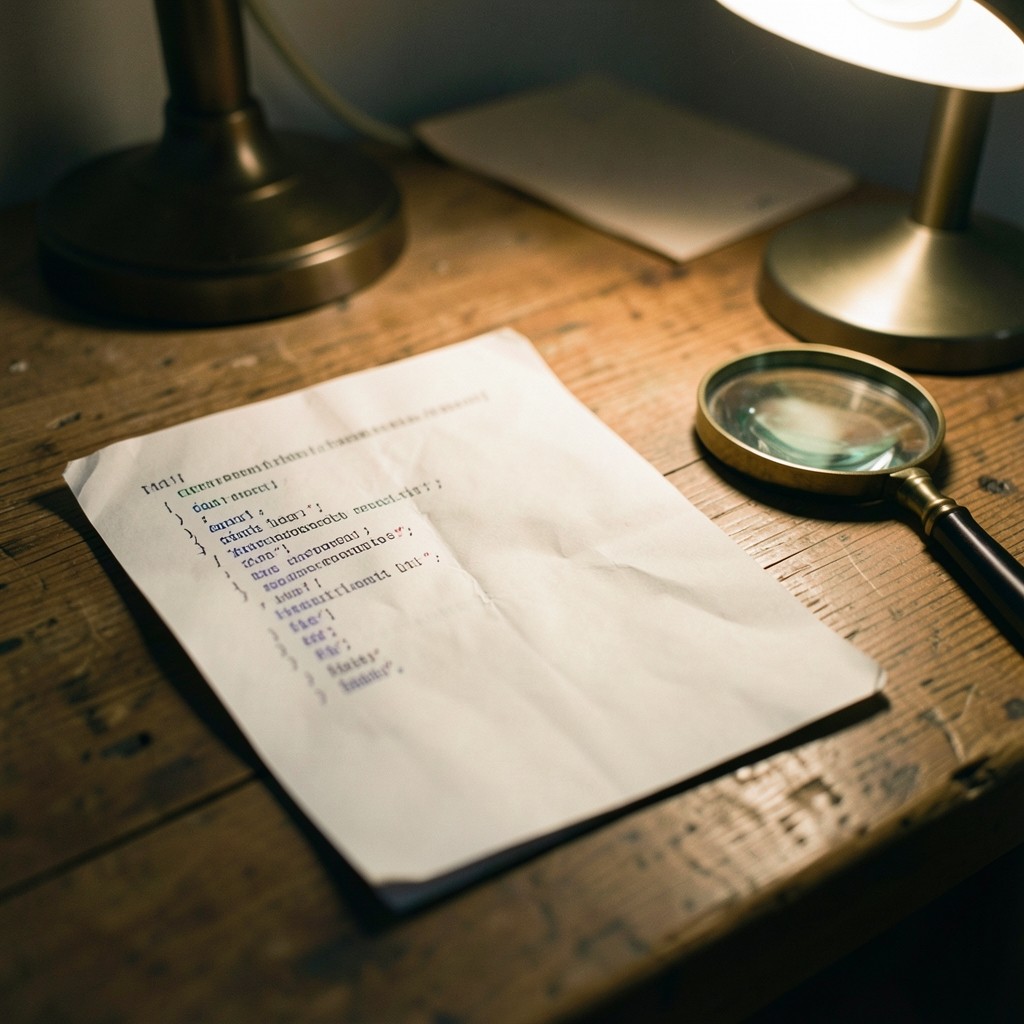
A malware alert from your host can feel urgent enough to shut the site immediately. Sometimes that is correct. Often the scanner has flagged a plugin cache file, a known legitimate library, or a residual quarantine folder from a previous cleanup. Panic-driven deletes can break the site before you know what you are removing.
First, preserve evidence. Download a copy of the flagged path if the panel still allows it. Note the timestamp of the alert and whether the file was already moved to quarantine. Check recent deploy or plugin-update activity. If you use version control for the theme, compare the path against a clean commit.
Second, isolate write access. Rotate FTP, SFTP, and CMS administrator passwords. Review users created in the last 30 days. Disable unused plugins and themes rather than deleting them until you understand the infection path. Change database passwords if the CMS stores them in a config file that was world-readable.
Third, restore from a known-good backup if the site is actively serving redirects or spam forms. Restoring forward from an infected backup reintroduces the problem. Confirm backup dates against the first alert timestamp. After restore, patch the CMS and plugins before reopening admin access from public networks.
Content Sprucefield's incident readiness sessions practise exactly this sequence on a staging copy so the first live alert is not also the first rehearsal. Monitoring guidance retainers help you decide which scanner noise can wait until morning and which needs same-day action.